Reports
Generate professional reports from your project data.
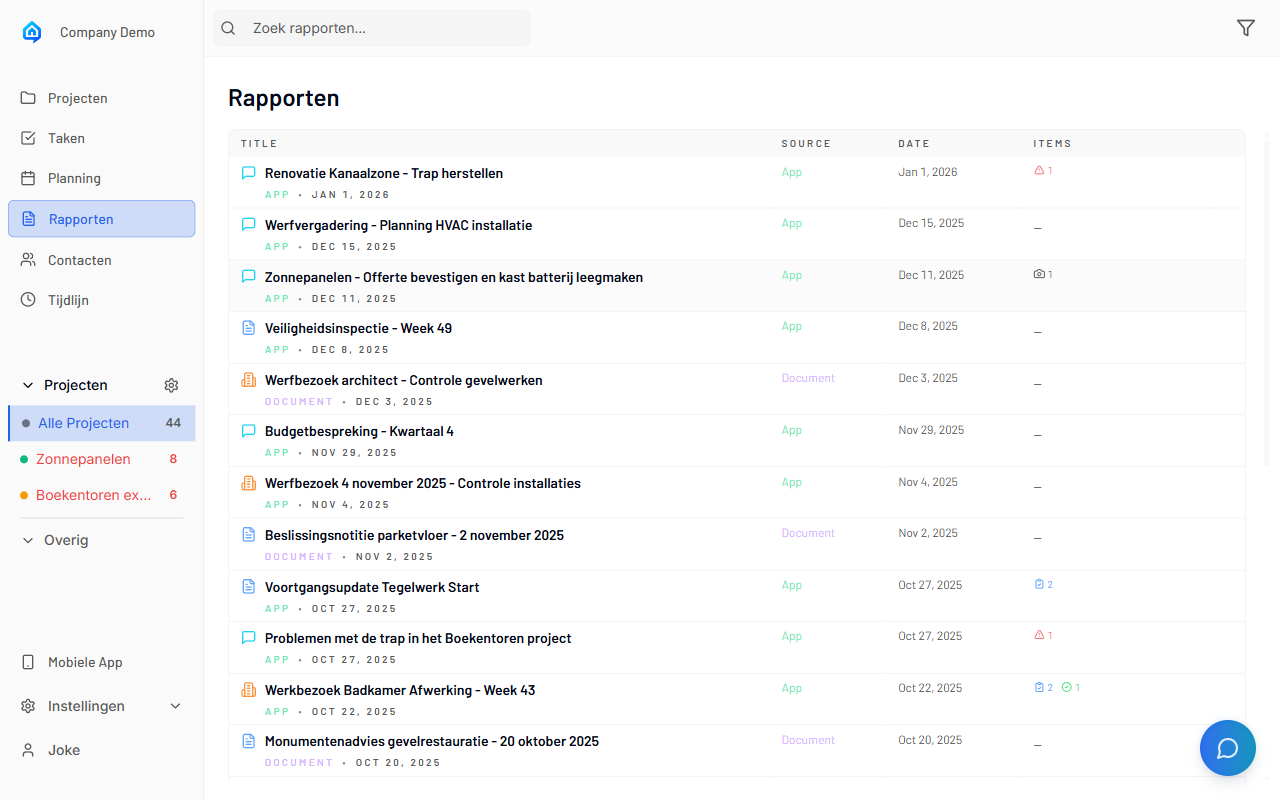
Overview
SiteWhiz can generate various reports from your project items and documents:
- Item Reports - Export filtered item lists as PDF or Excel
- Progress Reports - Summarize project status over time
- Custom Reports - Configure which fields to include
In This Section
| Guide | Description |
|---|---|
| Creating Reports | Generate a new report |
| Report Templates | Available report formats |
| Scheduling Reports | Automatic report generation |
| Exporting Data | Excel and CSV exports |
Report Types
| Type | Format | Contents |
|---|---|---|
| Item List | PDF/Excel | Filtered items with details |
| Progress Report | Status summary with charts | |
| Evidence Report | Items with attached photos |
Quick Actions
Common Tasks
- Quick Export: Filter items, then click "Export"
- Full Report: Go to Reports > Create New
- Download: Click any report to download
- Share: Use the share link for external access